Select a previous anonymization from processing history and reverse it. The stored encryption key is used to decrypt all anonymized tokens back to their original values.
Deanonymize from History
Restore0:31
Deanonymisierung aus Verlauf
Restore0:31
Desanonimización desde Historial
Restore0:31
Désanonymisation depuis l'Historique
Restore0:31
Deanonymize from File
Drop an anonymized document to reverse the anonymization. The application detects encrypted tokens in the file and restores the original PII values using the matching key.
Deanonymize from File
Restore0:36
Deanonymisierung aus Datei
Restore0:36
Desanonimización desde Archivo
Restore0:36
Désanonymisation depuis un Fichier
Restore0:36
Step-by-Step Process Descriptions
Deanonymize from History — Step-by-step guide
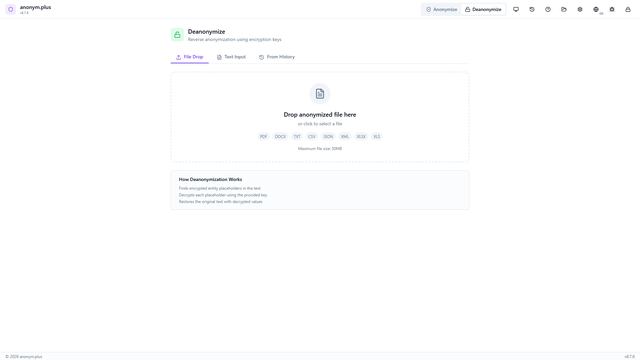
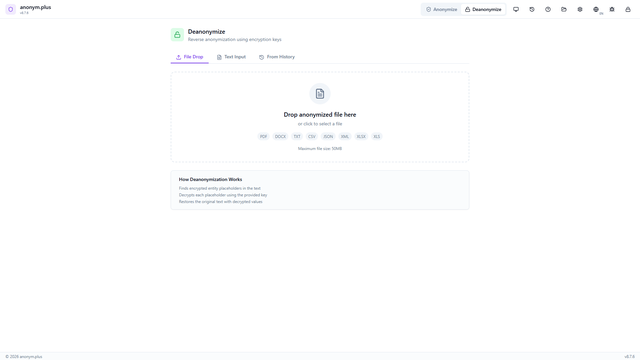
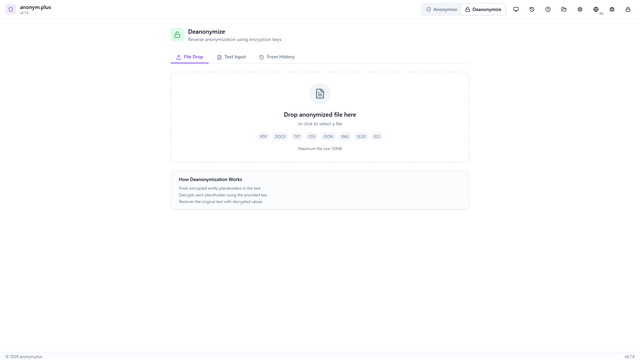
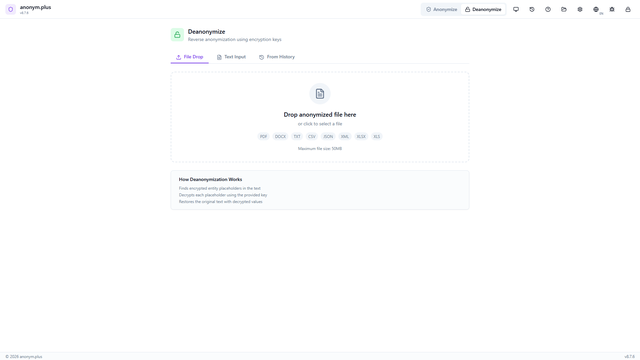
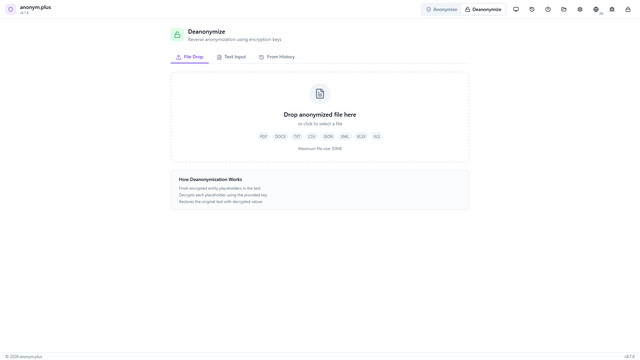
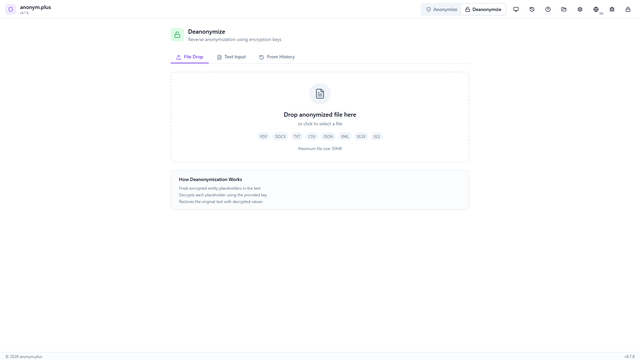
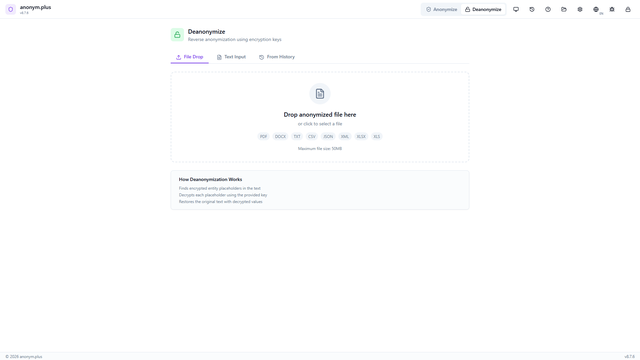
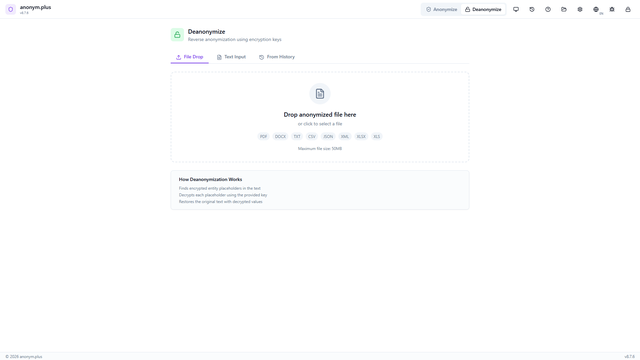
Click "Deanonymize" in the header bar. The panel shows three tabs: File Drop, Text Input, and From History.
Switch to the "From History" tab. Previously anonymized entries are listed with metadata: filename, format, entity count, preset, and key icon indicating encryption was used. Click to select an entry.
The encrypted text is pre-loaded with tokens like <PERSON_ENC:a1b2c3...>. The encryption key selector shows available keys. A green "History entry matched" banner confirms entities loaded.
Click "Deanonymize" to decrypt each encrypted token using the matched encryption key.
View the restored original text with all PII values decrypted back to their original form. Copy and Download buttons are available.
Deanonymize from File — Step-by-step guide
Open the File Drop tab in the Deanonymize panel. The dropzone accepts anonymized documents (PDF, DOCX, TXT, CSV, JSON, XML, XLSX up to 50 MB).
Drop an anonymized file. The encrypted text is extracted and displayed with tokens visible.
The app automatically searches processing history and finds a matching entry. A green "History entry matched" banner appears with entity count and the correct encryption key loaded.
Confirm key selection. The matched history indicator is visible. Click "Deanonymize".
All encrypted tokens are decrypted. The fully restored text displays all original PII values. Copy and Download buttons are available.