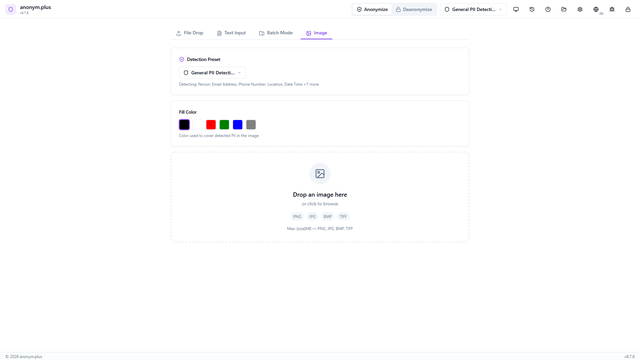
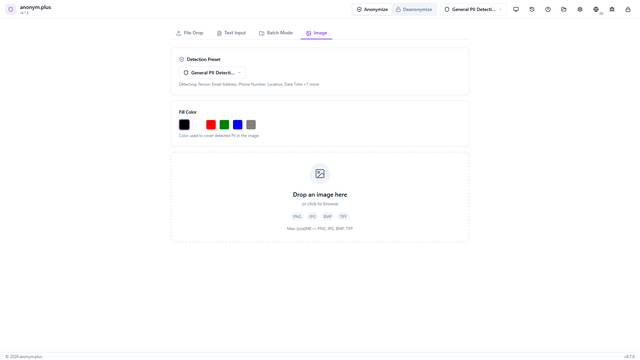
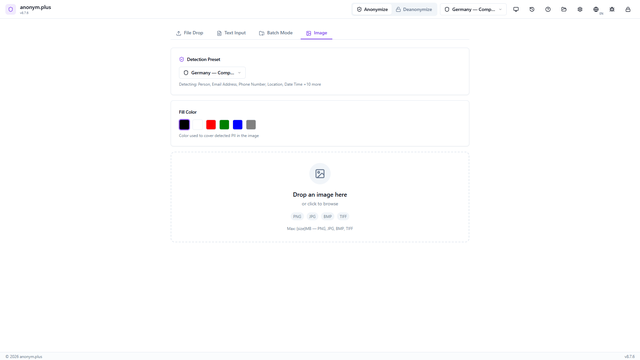
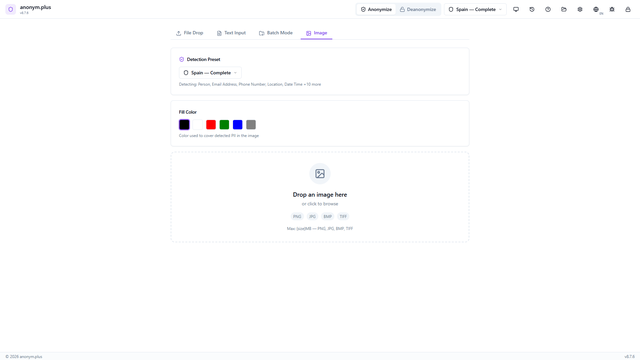
Images are processed with Tesseract OCR to extract text, then PII entities are detected and redacted with black rectangles covering the sensitive regions.
Image Anonymization
Redact0:36
Bildanonymisierung
Redact0:36
Anonimización de Imágenes
Redact0:36
Anonymisation d'Images
Redact0:36
Step-by-Step Process Description
Image anonymization uses Tesseract OCR (27 languages supported) to extract text regions
from the image, then runs Presidio NER to classify PII entities and compute their
bounding box coordinates. Detected regions are highlighted with colored overlays
before redaction — you choose which entity types to redact before applying.
Image Anonymization — Step-by-step guide
Navigate to the Image tab. The dropzone accepts PNG, JPG, BMP, and TIFF images up to 10 MB.
Drop an image. The preview shows the image with visible PII. Configure the fill color (black, red, green, blue, gray), detection preset, and OCR language. Click "Analyze".
The app runs Tesseract OCR to extract text, then Presidio NER to detect PII entities and their bounding box positions within the image.
Review detected entities with colored bounding boxes overlaid on the image. Entity type filter badges (Person, Email, Phone, Location, Organization) with checkboxes allow selecting which to redact. Click "Redact Selected".
Selected PII regions are covered with colored fill rectangles.
Side-by-side before/after comparison: the original image alongside the redacted version with bars covering all detected PII. Use the Save button to download the redacted image.