2 METHODS · 4 LANGUAGES · 8 VIDEOS
Text Anonymization Demos
Paste text directly, detect PII entities, and anonymize with Replace or Encrypt operators. Watch step-by-step walkthroughs in 4 languages.
Text Anonymization (Replace)
Paste text, detect PII entities, and replace them with type-based placeholders like [PERSON], [EMAIL], [PHONE].
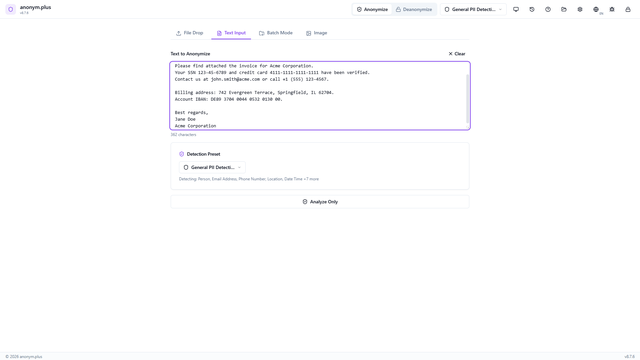
Text Anonymization (Replace)
Replace0:41
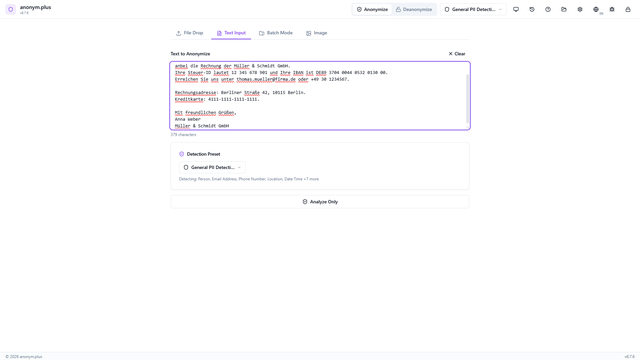
Textanonymisierung (Ersetzen)
Replace0:41
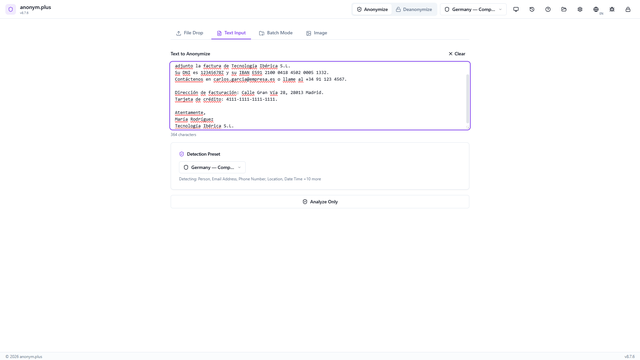
Anonimización de Texto (Reemplazar)
Replace0:41
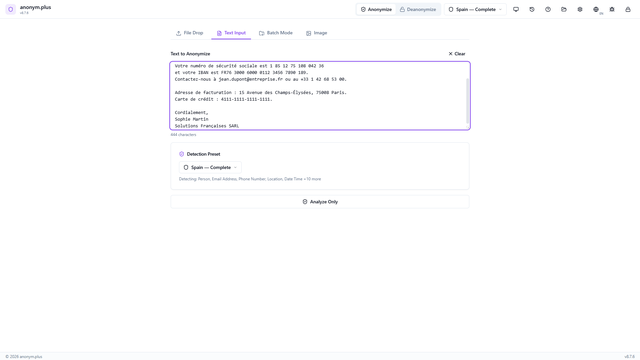
Anonymisation de Texte (Remplacer)
Replace0:41
Text Anonymization (Encrypt)
Anonymize text using AES-256-GCM encryption for reversible anonymization. Encrypted tokens can be decrypted later with the same key.
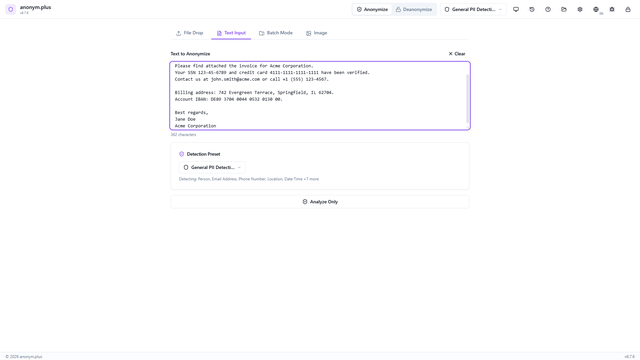
Text Anonymization (Encrypt)
Encrypt0:41
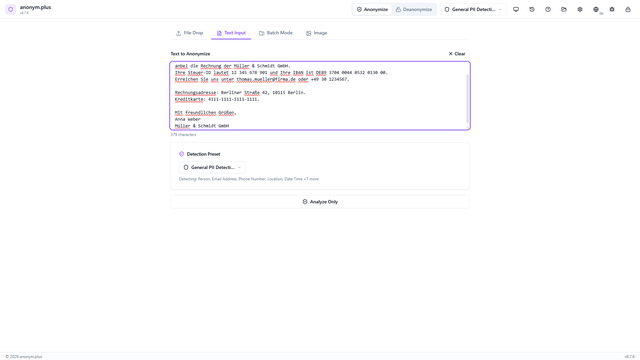
Textanonymisierung (Verschlüsseln)
Encrypt0:41
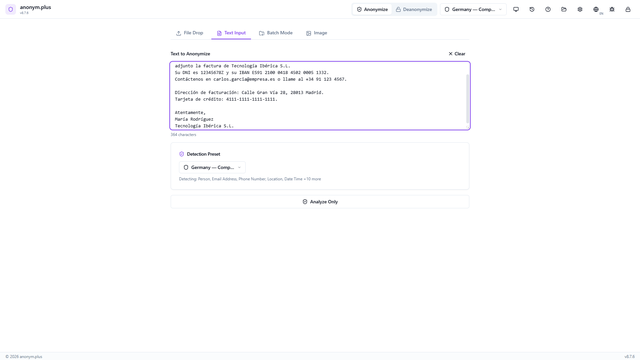
Anonimización de Texto (Cifrar)
Encrypt0:41
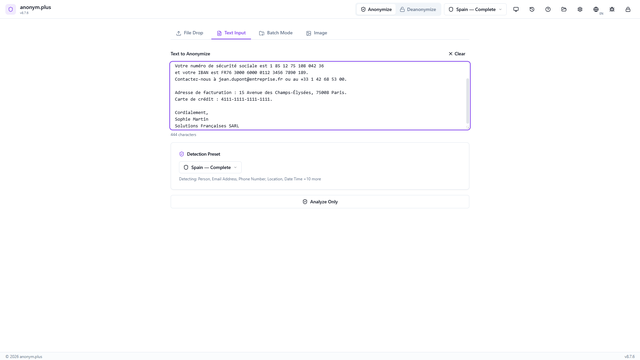
Anonymisation de Texte (Chiffrer)
Encrypt0:41
Step-by-Step Process Descriptions
Text Anonymization with Replace — Step-by-step guide
- Paste text containing personal data (names, emails, phone numbers, SSNs, credit cards, IBANs, addresses, organizations) into the text input area.
- Select a detection preset such as "General PII Detection" from the dropdown.
- Click "Analyze Only" to run the Named Entity Recognition pipeline. A loading spinner shows during analysis.
- Review all detected entities displayed as color-coded badges. Toggle individual entities on or off with checkboxes.
- Configure the Replace operator for each entity type. Each PII value will be substituted with its type label (e.g., <PERSON>, <EMAIL_ADDRESS>).
- Click "Anonymize with Selected Operators" to process all entities.
- View the anonymized result with all PII replaced by type labels. Use Copy to Clipboard or Clear to reset.
Text Anonymization with Encrypt — Step-by-step guide
- Paste text containing personal data into the text input area.
- Select "General PII Detection" preset to detect a broad range of entity types.
- Run the NER pipeline to detect all personal data entities.
- Review detected entities with color-coded badges.
- Click "All Encrypt" and select an encryption key (e.g., "Production Key 256-bit"). Unlike Replace, the encrypt operator produces reversible tokens.
- Click "Anonymize with Selected Operators" to encrypt all PII with the selected key.
- View the encrypted result containing reversible tokens like <PERSON_ENC:a1b2c3...>. These can be decrypted later via the Deanonymize feature.